
Patching legacy medical devices: when the update does not exist
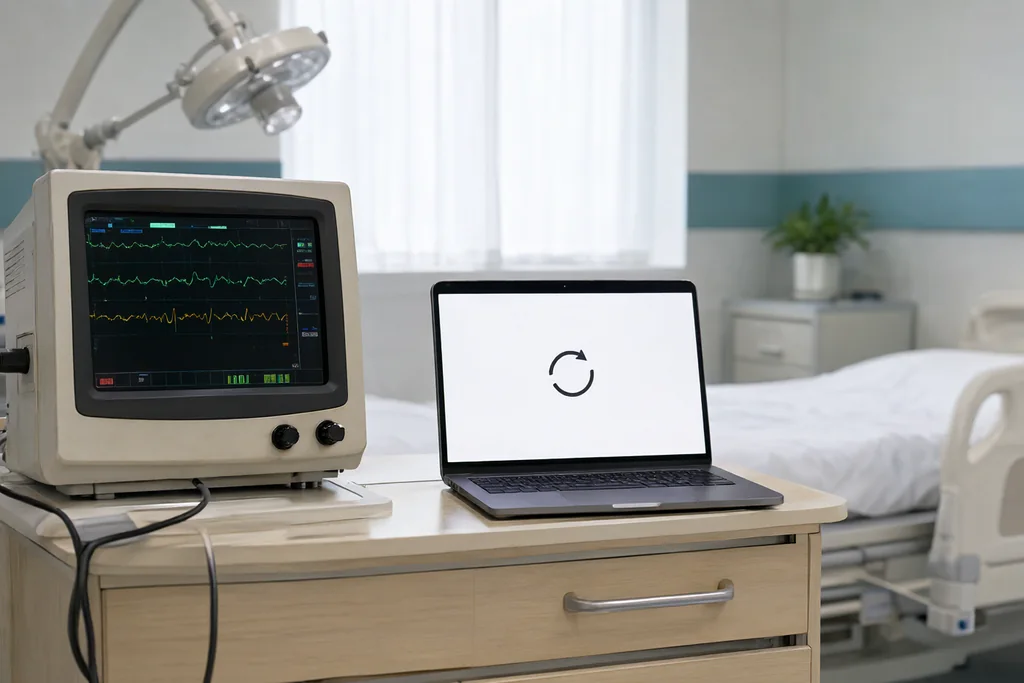
A legacy medical device is not necessarily an old one. It is a device whose software has stopped moving: the vendor no longer ships updates, the operating system underneath has left support, and the configuration validated at launch is the only one the manufacturer will stand behind. Many such devices remain clinically valuable for years, which is precisely why the patching question becomes awkward.
What Makes a Device Legacy
Age is a poor guide to the label. A recently purchased device can be legacy on arrival if it runs an operating system the vendor has already retired, or if the model reached end of support while units were still sitting in distribution.
The useful signals are administrative rather than technical. An end-of-life notice, a support matrix that no longer lists the current operating system, a service contract that excludes software updates, or firmware that has not changed in years despite published advisories all point the same way.
Why the Update Cannot Simply Be Applied
The obvious answer, apply the vendor patch like any other computer, runs into the fact that a medical device is a regulated product rather than a general-purpose machine. Its software is part of what was cleared or approved, and changing it can move the device outside the configuration the manufacturer validated.
There is also the practical matter of testing. A hospital has no bench copy of every device model, no way to reproduce the clinical environment, and no route back if an update disables a unit that is needed for the next case. Vendor support contracts frequently make the point explicit: unauthorized software changes end the service agreement.
Finally, the update may not exist. Devices built on embedded operating systems often receive no security patches at all after a defined support period, and the manufacturer's position is that the device should be replaced rather than updated.
What Patching Is Supposed to Prevent
An unpatched device is a known device. Public advisories describe the vulnerability, the affected versions and often the exploit path, so an attacker does not need to discover anything. The device becomes a predictable target on a network where everything is reachable.
The clinical risk is rarely a direct attack on the device's therapy. More often the device is used as a foothold: a compromised imaging workstation or pump controller gives an attacker a position inside the clinical network from which other systems are easier to reach. That is why the security team and the clinical engineering team end up in the same conversation, and why vulnerability management in hospitals has to include equipment nobody can patch.
Compensating Controls That Hold Up
When the patch cannot be applied, the defensible answer is to reduce what the vulnerability can reach. Controls work by limiting exposure rather than by fixing the flaw, and they have to be specific to how the device is actually used.
- Segment the device onto a clinical network with rules limited to the traffic its function requires.
- Block outbound connections the device does not need, including cloud services nobody configured.
- Restrict removable media and vendor laptops to controlled, scanned paths.
- Disable unused services, ports and accounts where the manufacturer permits it.
- Watch the segment for anomalies rather than waiting for the device to report them.
- Record which controls protect which unit, and when each was last verified.
Segmentation carries most of the weight, and it is also the control most often drawn on a diagram and never enforced. A device on a flat clinical network is exposed regardless of what the policy document says, which is the argument for treating network segmentation for medical IT as a prerequisite rather than an enhancement.
Controls and What They Do Not Cover
Compensating controls are frequently described as if they closed the vulnerability. They do not. Each control buys time and limits blast radius, and being honest about the limits is what keeps the arrangement from becoming a comfortable fiction.
| Control | What it prevents | What it leaves open |
|---|---|---|
| Network segmentation | Unrestricted movement from the device | Anything arriving through an allowed path |
| Traffic filtering | Connections the device never needed | Abuse of the ports still open |
| Media control | Infection by removable drive | Vulnerabilities reachable over the network |
| Monitoring and alerts | Silent, prolonged exploitation | The exploitation itself, detected late |
| Vendor mitigation | Known exploit signatures | Unknown variants and direct access |
Working With the Manufacturer
The manufacturer is not only the obstacle. Vendors routinely publish security advisories, offer hardened configurations, and will confirm in writing which mitigations are compatible with the device. Asking for that confirmation is a normal part of the conversation, not an accusation.
Contract language matters more than goodwill. Service agreements can be written to require notification of security advisories, a defined support period, and a documented position on out-of-support units. Where a device is heading for end of support, that is the moment to negotiate, while the vendor still has an interest in the account.
Documented Risk Acceptance
Every device left unpatched carries a risk decision, whether or not anyone wrote it down. Writing it down converts an informal tolerance into something that can be reviewed, challenged and defended after an incident.
A workable record names the device and its clinical role, the vulnerabilities that remain, the controls in place and their verification dates, the residual risk in plain language, and the person accountable for accepting it. It also sets a review date, because a control that was adequate two years ago may not be adequate now.
Legacy devices are a maintenance problem disguised as a purchasing problem. The practical position is to know which units are out of support, to apply every update the manufacturer still provides, to hold the rest behind controls that are verified rather than assumed, and to plan retirement with a date attached. None of that removes the risk, but it makes the risk visible, which is the difference between managing it and hoping. Where a unit is also approaching the end of its useful life, the reasoning in when to replace medical equipment applies alongside the security case.
Read next
Securing Connected Medical Devices
The baseline controls that protect networked equipment without getting in the way of clinical work.
Network Segmentation for Medical IT
Why flat networks are risky, and how to separate medical devices sensibly and safely.
Vulnerability Management in Hospitals
Turning vulnerability information into a plan a clinical engineering team can actually carry out.