
Securing Connected Medical Devices
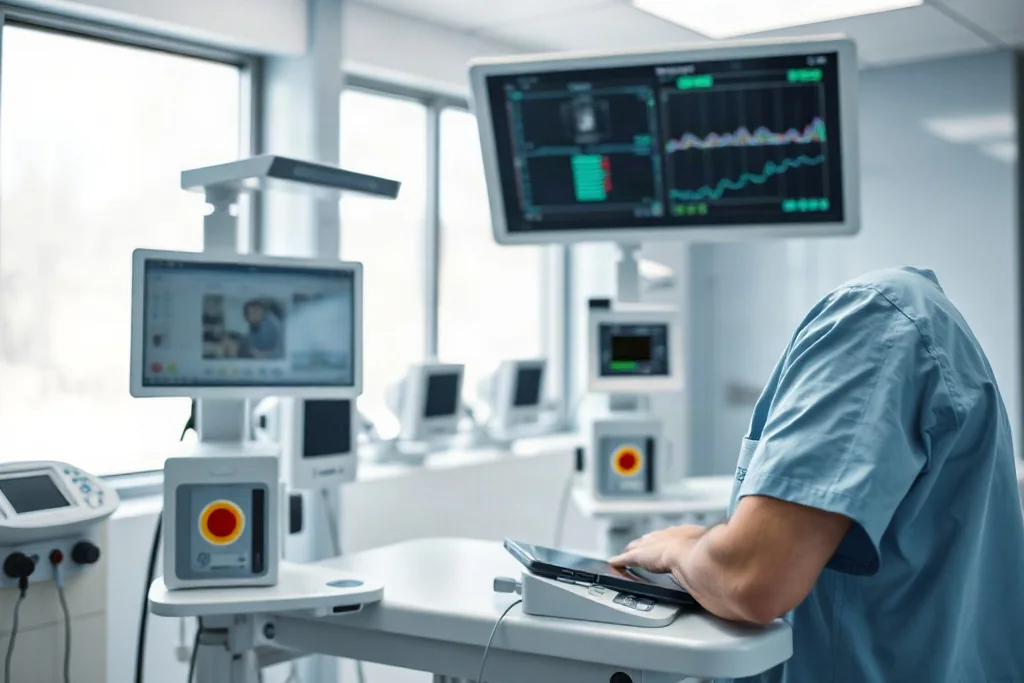
A connected medical device is a clinical tool and a computer at the same time. It measures, delivers or monitors something for a patient, and it also sits on a network, runs software and depends on components that will eventually need updating. Protecting it means holding both of those roles in view at once.
Why Connected Devices Are Different
Ordinary security advice assumes that a compromised system can be taken offline, rebuilt or replaced without much consequence. A ventilator, an infusion pump or a monitoring system in active clinical use does not offer that freedom.
The device is often inaccessible, running an operating system that cannot be freely updated, and supporting a clinical function that cannot simply pause while administrators work. Security has to be arranged around patient care rather than against it.
Ownership is the piece most often left vague. Assigning each connected device to a named responsibility, whether that sits with clinical engineering, IT or the department using it, removes the gap in which an advisory is seen by everyone and acted on by nobody.
Knowing What You Actually Have
Every other control depends on an accurate picture of which devices are connected, where they sit, what software they run and who supports them. Without that picture a vulnerability notice cannot be matched to real equipment.
The picture has to be maintained, not built once. Devices are added, moved between departments, upgraded and retired, and a security inventory that drifts is no more useful than none at all when a critical update has to be applied quickly.
It also helps to record what each device depends on. A pump that relies on a particular server for its configuration is a different risk from one that runs entirely on its own, and the dependency is invisible unless somebody has written it down.
Baseline Measures That Pay Off First
- An accurate inventory of connected devices and the software they run.
- Default credentials changed and unnecessary services switched off.
- Access restricted so that only the needed systems can reach each device.
- A documented route for applying vendor updates as they are released.
- Compensating controls recorded wherever a device cannot be patched.
The Baseline Controls
A small number of measures carry most of the weight. Changing default credentials, removing services that are not needed, restricting who can reach the device and keeping a record of what is installed together remove a large share of the easy opportunities.
None of these is glamorous, and that is rather the point. Attackers rarely begin with something sophisticated; they begin with what is open, unpatched or still using the password it shipped with.
Some risk comes from the surrounding environment rather than the device. Shared accounts, convenience logins and equipment left reachable from public areas all weaken the position, and they are usually cheap to correct once they have been noticed and named.
Managing What Cannot Be Patched
Some devices will never accept the update that would fix a known weakness, because the manufacturer no longer supports them or because the clinical risk of touching them is too high. That is a real situation and it needs a real answer.
The workable approach is compensating control: isolating the device, restricting who and what can reach it, monitoring it more closely and documenting the decision and its rationale so that the accepted risk is visible rather than forgotten.
Where a device must stay connected for clinical reasons, the controls that remain available are the ones around it: who can reach it, from where, with what credentials and under whose monitoring. Those controls are worth designing as deliberately as any feature.
Matching the Control to the Situation
| Situation | Practical control | What it accepts |
|---|---|---|
| Device can be updated | Scheduled patching | Planned downtime is needed |
| Device cannot be patched | Isolation and monitoring | Risk remains, but is bounded |
| Vendor support has ended | Replace or restrict | Cost or disruption to change it |
| Unclear what is installed | Discover and record | Some uncertainty while you look |
Working Alongside Clinical Teams
Security measures that ignore clinical reality get bypassed. If a control makes a nurse's work slower at a busy moment, somebody will find a way around it, and the organisation will be less secure than before the control was introduced.
The better path is to agree the clinical requirement first and then find the control that satisfies both sides. That conversation takes longer, and it produces measures that survive contact with a real ward.
Expect to explain the measures more than once. Staff rotate, departments change hands and the reasoning behind a restriction is easily forgotten, so a short, repeatable explanation of why it exists is a practical part of keeping it in place.
Reviewing as Things Change
Device software, network design, staff and threats all change, so the security arrangement has to be reviewed rather than set once. A configuration that was sensible when a department opened can be quietly wrong a few years later.
Reviews are easiest when they are routine. A periodic look at the device inventory, the outstanding advisories and the compensating controls turns an intimidating project into an ordinary piece of maintenance.
Finally, treat a reported oddity from a clinician seriously. A device behaving strangely is sometimes a clinical matter and sometimes a security one, and the people at the bedside are often the first who could notice either.
Securing connected medical devices is less about a single clever control than about knowing what you have, removing the easy openings, accepting openly what cannot be fixed and reviewing the whole arrangement as the estate changes.
Read next
Network Segmentation for Medical IT
Why flat networks are risky, and how to separate medical devices sensibly and safely.
Vulnerability Management in Hospitals
Turning vulnerability information into a plan a clinical engineering team can actually carry out.
Incident Response for Connected Devices
What to do in the first hours of a security incident involving equipment in clinical use.